
CS Market
Own-inventory CS skins — float-checked, below market, bot-delivered in minutes.
Live stock
In inventory now

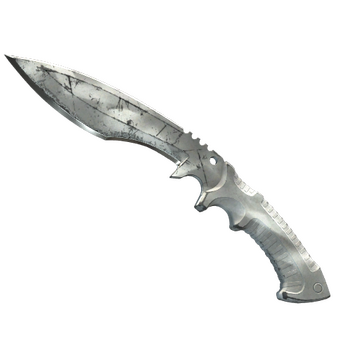
★ Shadow Daggers | Gamma Doppler
$160.12
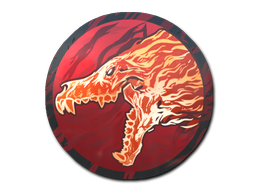
Sticker
Howling Dawn
$1800.00
$2045.45
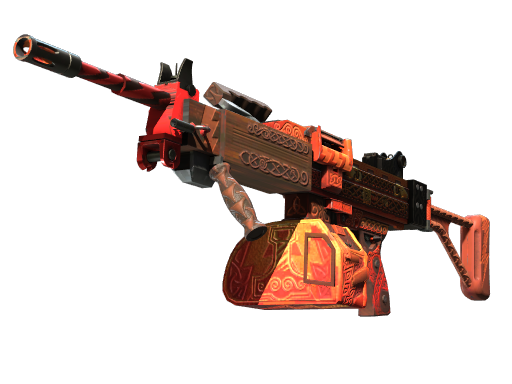
Negev
Mjölnir
$1200.00
$1318.68
Negev
Mjölnir
$974.57
$1133.22
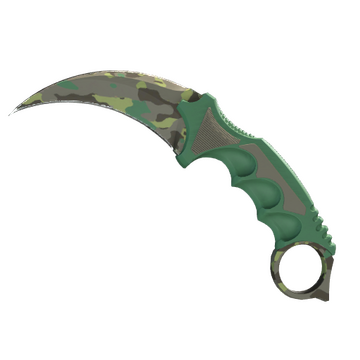
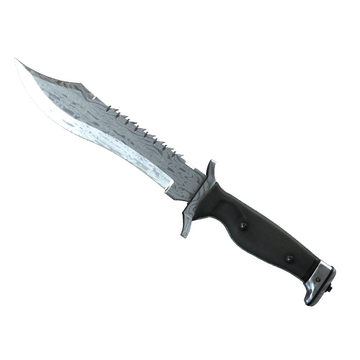
Karambit
Boreal Forest
$897.13
$996.81
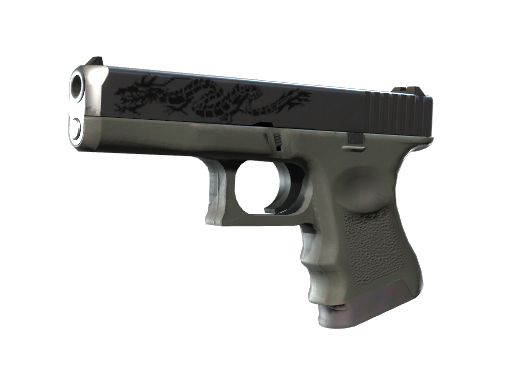
Glock-18
Dragon Tattoo
$890.00
$1011.36
Negev
Mjölnir
$790.20
$887.87
Glock-18
Dragon Tattoo
$724.78
$805.31
Karambit
Boreal Forest
$701.90
$825.76

Autographed Glaive of Oscilla
Autographed Glaive of Oscilla
$45.83
$51.49

Exalted Bow of the Crypt Guardian
Exalted Bow of the Crypt Guardian
$45.59
$50.10
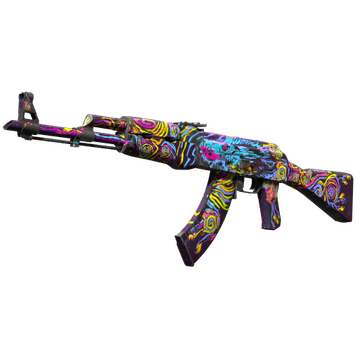
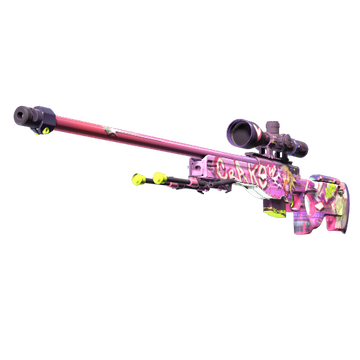
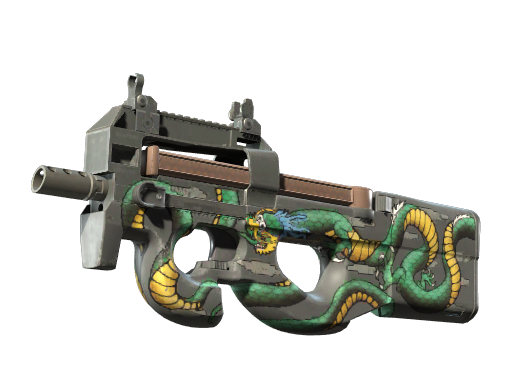
Shop by type
CS2 categories
Delivery
How a trade lands
01
Pick a skin
Browse own-inventory lots. Float, wear and price are on the listing before you pay.
02
Checkout
Pay with Visa or Mastercard. 3D Secure checkout — we never store your card number.
03
Accept the trade
We send a Steam trade offer. Confirm it on your phone — no 7-day hold.
04
In your inventory
Most offers go out in minutes. If nothing arrives in 24 hours, you get a refund.
Steam Guard Mobile Authenticator is required. Security details →
Escrow checkout
Money sits with us until the Steam trade is confirmed. No skin, no charge that sticks.
Own inventory
Listings are items we already hold. Float is checked before the lot goes live.
Below market
Priced under the public Steam market. Bot-delivered, usually in minutes.
Sell
Turn inventory into balance
Instant
We buy at 85%
Quote from catalog value. Send the trade in 60 minutes. Credit hits your balance after verification.
Market
You keep 92%
Set your own ask. Buyer pays the listed price. 8% fee on sale, paid by you. Item stays in your inventory until it sells.
Help
Before you trade
How do I receive my item?
We send a Steam Trade Offer to the account behind the Trade URL you gave at checkout. Accept it in Steam and the skin lands in your inventory.
How long does delivery take?
Most offers go out within minutes of payment. Delivery completes within 24 hours of confirmed payment — otherwise you get a refund.
What payment methods do you accept?
We currently accept Visa and Mastercard. Payments go through a hosted page — CS Market never sees your full card number.
Can I sell my skins here?
Yes. Instant sell pays 85% of catalog value. A market listing lets you set the price and keep 92% when it sells.
Still stuck? [email protected]